The TP-Link UB500 Plus adds Bluetooth connectivity to a desktop or laptop through USB, with Bluetooth 5.3 support and an adjustable antenna.
This TP-Link USB Bluetooth Adapter review looks at its compatibility, setup requirements, and the situations where its added range-oriented design may be useful.
TP-Link UB500 Plus Review Summary
The quick verdict
1,000+ ratings
Read Amazon ReviewsTP-Link UB500 Plus
A fit for Windows PC owners who want newer Bluetooth support, an adjustable antenna, and simple setup for everyday wireless devices.
- Bluetooth 5.3 with EDR, backward compatible with Bluetooth versions 4.2, 4.0, 3.0, 2.1, 2.0, and 1.1.
- USB adapter intended to add Bluetooth capability to a desktop or laptop without it.
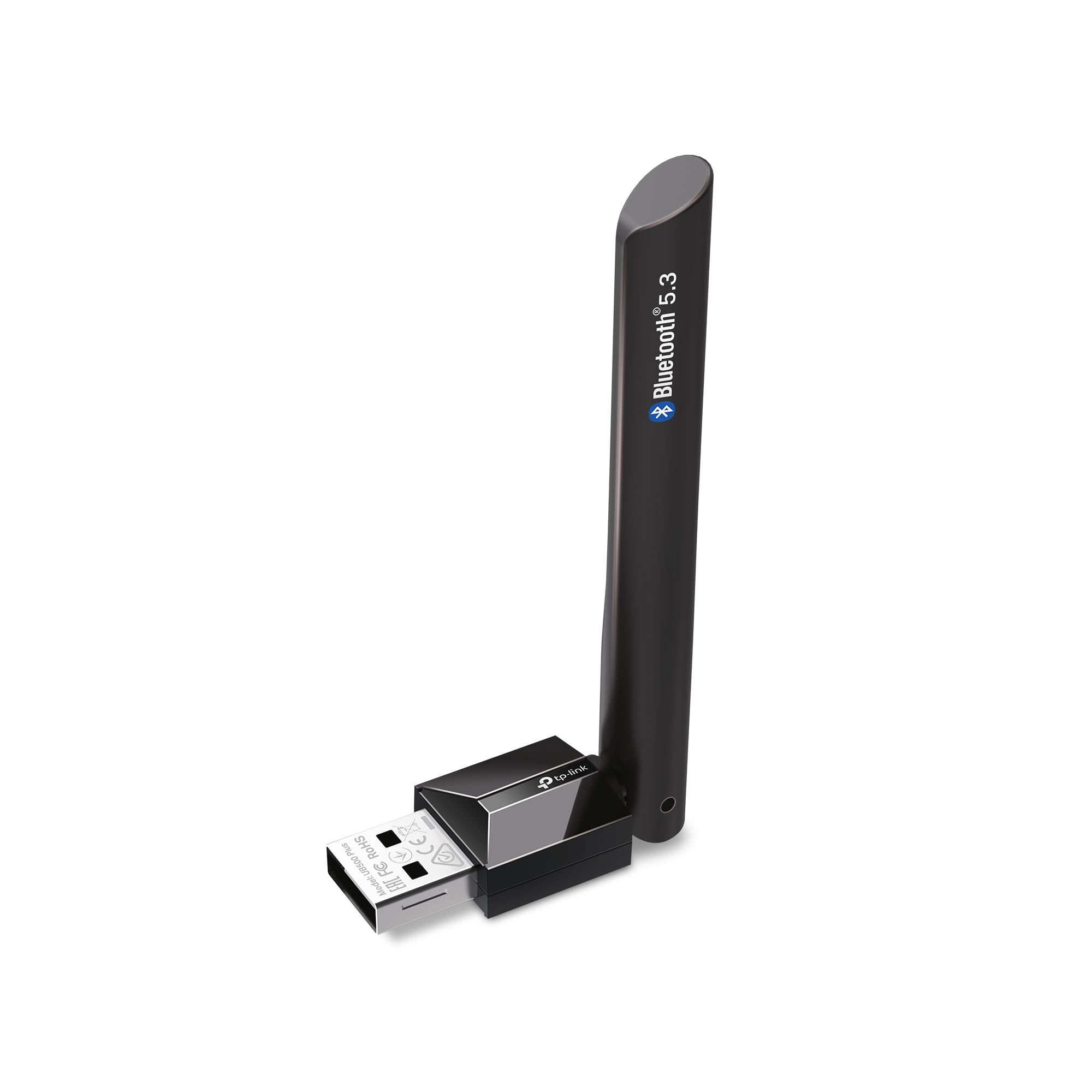
- Adjustable, multidirectional antenna that can be rotated and positioned for different setups.
- Supports Windows 11, 10, 8.1, and 7.

Pros
- Bluetooth 5.3 support combines newer version compatibility with support for multiple earlier Bluetooth generations.
- The adjustable antenna offers more positioning flexibility than a fixed orientation.
Consider before buying
- Windows 7 users need to obtain and install a driver, so setup is less direct on that system.
- Plug-and-play setup for Windows 8.1, 10, and 11 depends on an internet connection.
Read the full review summary
The UB500 Plus is designed to bring Bluetooth to a PC that lacks it, or to update a computer using older Bluetooth technology.
Its Bluetooth 5.3 support is backward compatible with several earlier versions, and the adjustable, multidirectional antenna gives buyers a way to orient the adapter for their setup.
It is aimed at Windows 11, 10, 8.1, and 7 users connecting devices such as keyboards, mice, and headsets.
Windows 8.1, 10, and 11 support plug-and-play setup when the computer has an internet connection; Windows 7 requires a driver download. That distinction matters if you need an offline installation or want a completely hands-off setup.
The buying factors
TP-Link UB500 Plus Scorecard
Editorial scores reflect listed features and buyer fit; they are not laboratory measurements or customer ratings.
Bluetooth version support
Bluetooth 5.3 support and backward compatibility through version 1.1 make it suitable for both newer and older Bluetooth devices.
Antenna flexibility
The antenna rotates and adjusts in multiple directions, letting users position it for their particular PC placement.
Windows compatibility
It supports Windows 11, 10, 8.1, and 7, though setup differs by version.
Setup simplicity
Plug-and-play is available on Windows 8.1, 10, and 11 with an internet connection; Windows 7 needs a driver.
Device versatility
The adapter is intended for common peripherals such as keyboards, mice, and headsets, plus other Bluetooth devices.
Performance expectations
The described speed and coverage improvements are comparisons with Bluetooth 4.0, not guarantees for every PC, room, or connected device.
Key Features and Specifications of TP-Link UB500 Plus
- Bluetooth 5.3 with EDR, backward compatible with Bluetooth versions 4.2, 4.0, 3.0, 2.1, 2.0, and 1.1.
- USB adapter intended to add Bluetooth capability to a desktop or laptop without it.
- Adjustable, multidirectional antenna that can be rotated and positioned for different setups.
- Supports Windows 11, 10, 8.1, and 7.
- Plug-and-play setup for Windows 8.1, 10, and 11 when the computer is connected to the internet.
- Windows 7 use requires a driver download.
- Supports connections for devices including keyboards, mice, and headsets.
Pros and Cons of TP-Link UB500 Plus
Pros
- Bluetooth 5.3 support combines newer version compatibility with support for multiple earlier Bluetooth generations.
- The adjustable antenna offers more positioning flexibility than a fixed orientation.
- It covers several Windows versions, including Windows 7 with the required driver.
- The stated plug-and-play route keeps setup straightforward on supported Windows versions when internet access is available.
Consider before buying
- Windows 7 users need to obtain and install a driver, so setup is less direct on that system.
- Plug-and-play setup for Windows 8.1, 10, and 11 depends on an internet connection.
- The advertised speed and coverage comparisons do not establish the results you will get in a particular room or with a particular Bluetooth device.
Who Should Buy TP-Link UB500 Plus?
Good fit
Consider the UB500 Plus if your Windows desktop or laptop needs Bluetooth for everyday peripherals and you want Bluetooth 5.3 support in a USB adapter.
The adjustable antenna is a useful design feature if the computer sits in a position where orienting a small adapter could help fit your setup.
It is also a reasonable option when your devices span Bluetooth generations, since the adapter supports several earlier versions.
Before buying, check your Windows version and plan for internet-assisted setup on Windows 8.1, 10, or 11, or a driver download if you use Windows 7.
Who should skip it
Skip it if you need an adapter that installs on Windows 7 without a separate driver, or if the computer will be offline during initial plug-and-play setup on Windows 8.1, 10, or 11.
If your main reason for buying is a guaranteed improvement in speed or coverage, treat the stated comparisons with Bluetooth 4.0 as a design claim rather than a promise for your own environment.
How the TP-Link UB500 Plus Fits a PC Bluetooth Upgrade
Bluetooth version and older devices
Bluetooth 5.3 support gives the adapter a newer standard to work with, while compatibility with versions as old as 1.1 can help when connecting older peripherals.
The actual connection still depends on the Bluetooth capabilities of the device you pair with, so the adapter's newer version does not make an older accessory operate as a newer one.
Antenna placement and PC location
The multidirectional antenna can be rotated and adjusted, giving you some control over its orientation after installation.
That may be helpful when the PC's USB port faces a cramped space or the computer is positioned under a desk, but the description does not specify a fixed coverage distance.
Consider whether you can place and angle the antenna conveniently where the computer will stay.
Setup depends on Windows version
For Windows 8.1, 10, and 11, the adapter is described as plug and play when the PC has internet access.
Windows 7 requires a driver download, so users of that system should confirm they can obtain and install the driver before relying on the adapter.
Interpreting speed and coverage claims
The product description compares its speed and coverage with Bluetooth 4.0 and uses an “up to” qualifier.
These comparisons provide context for the design, but they do not specify a guaranteed result for a particular room, USB position, connected accessory, or computer.
Alternatives to TP-Link UB500 Plus
One useful comparison is included; the other supplied candidate does not provide enough distinct feature detail to support a helpful recommendation.
Bluetooth Network Adapters alternative
3,000+ ratings
Read Amazon ReviewsSABRENT BT-UB40 USB Bluetooth 4.0 Micro Adapter
Choose the TP-Link if you want Bluetooth 5.3 support and an adjustable antenna.
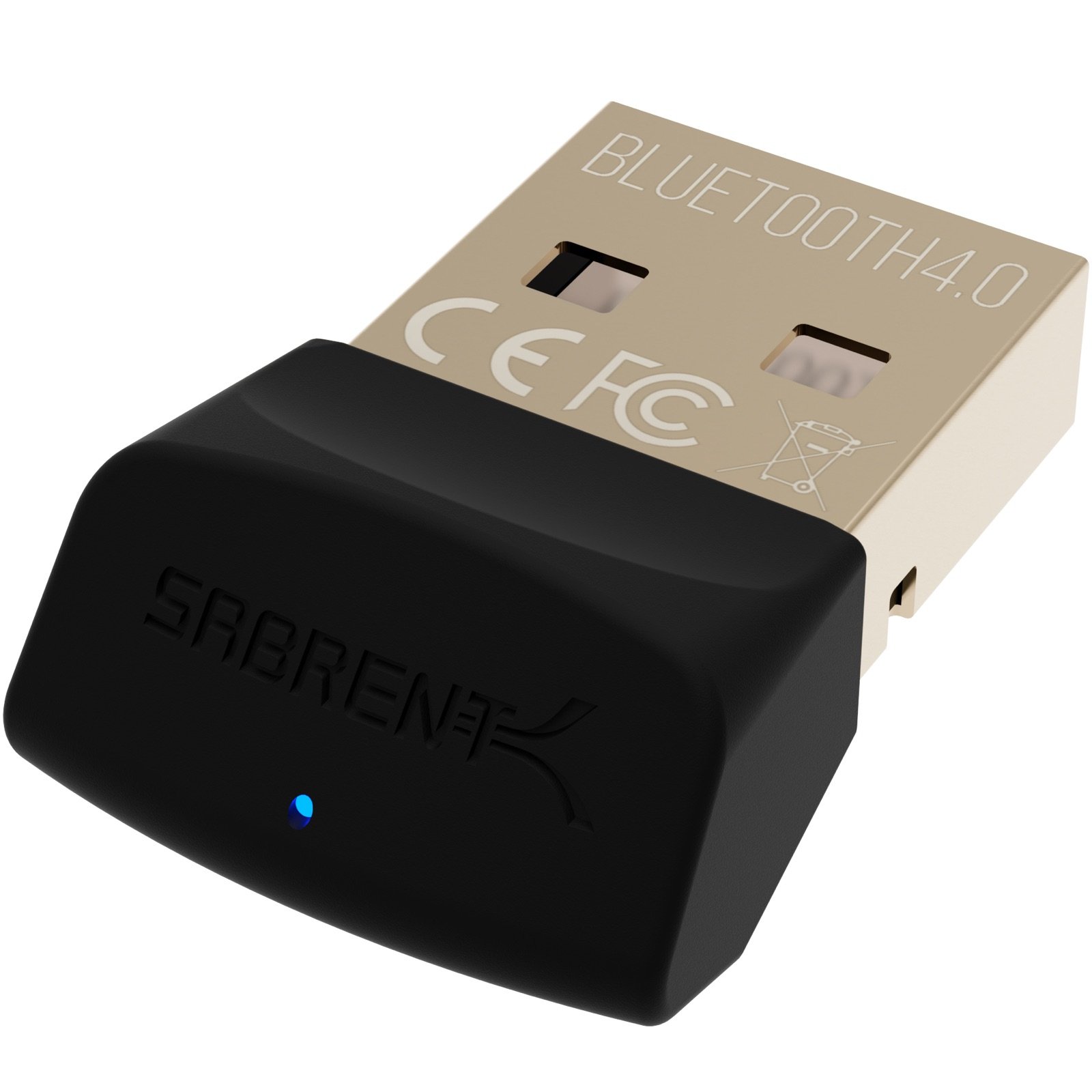
The SABRENT is a simpler alternative to consider if Bluetooth 4.0 support and a micro adapter suit your needs; check its compatibility with your Windows version and devices before choosing.
- The SABRENT BT-UB40 is a Bluetooth 4.0 Class 2 micro adapter with low energy technology. Its listed uses include connecting a headset, cellphone, or another Bluetooth-enabled computer.
- The TP-Link UB500 Plus supports Bluetooth 5.3, includes an adjustable antenna, and supports Windows 11, 10, 8.1, and 7 with setup requirements that vary by version.
Is TP-Link UB500 Plus Worth It?
The TP-Link UB500 Plus is worth considering for Windows PC owners who need Bluetooth connectivity, want support for Bluetooth 5.3 and older devices, and value an adjustable antenna.
Its setup guidance is clear across several Windows versions, though the installation path depends on having internet access or downloading a driver.
Buy it for a practical PC Bluetooth upgrade, while keeping expectations about speed and coverage tied to your own placement and devices.
If a driver-free Windows 7 setup or a guaranteed range improvement is essential, verify those needs before choosing.
Your review at a glance
1,000+ ratings
Read Amazon ReviewsTP-Link UB500 Plus
A fit for Windows PC owners who want newer Bluetooth support, an adjustable antenna, and simple setup for everyday wireless devices.
- Bluetooth 5.3 with EDR, backward compatible with Bluetooth versions 4.2, 4.0, 3.0, 2.1, 2.0, and 1.1.
- USB adapter intended to add Bluetooth capability to a desktop or laptop without it.
- Adjustable, multidirectional antenna that can be rotated and positioned for different setups.
- Supports Windows 11, 10, 8.1, and 7.